


Tower servers are a type of server form factor that comes as a standalone, upright cabinet, also known as a chassis configuration. By appearance, tower servers resemble traditional desktop tower computers and are considered the most affordable server option. Tower servers are best deployed by smaller organizations that don’t need a full data center.
Tower servers use minimal components and software, making it easier for organizations to customize specific tasks, keep overhead low, and maintain an upgrade strategy. Rack servers and blade servers‘ ability to be mounted make them a more convenient option when it comes to space and scalability. However, most organizations don’t need an entire metal frame’s worth of servers.
Small and midsize organizations can use tower servers to meet their specific needs when a lack of resources – be it space, IT skills, time, or money – prevent the organization from adopting a more scalable data center solution.
This article looks at what tower servers can do, the benefits and disadvantages of tower servers, and how they differ from other structural models.
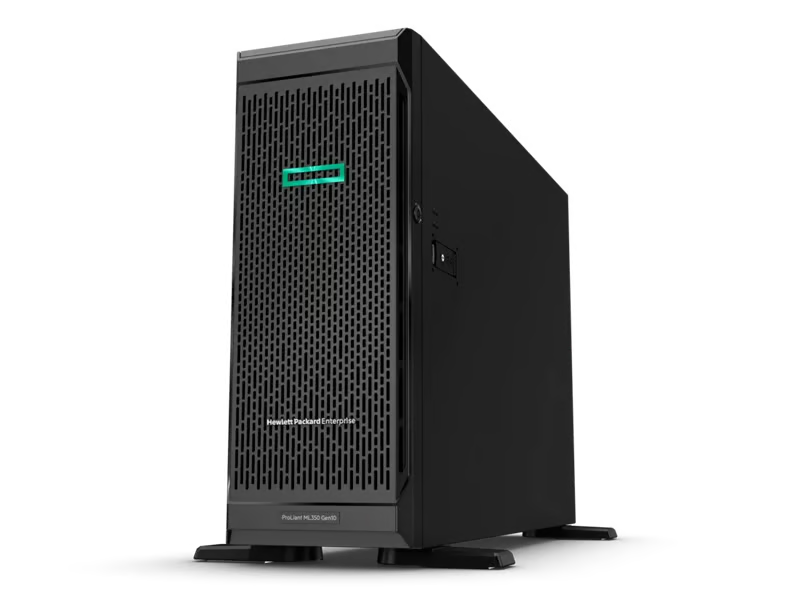
What Does a Tower Server Do?
While their appearance and configurations vary considerably, the difference in functionality between rack, blade, and tower servers is only slight.
Tower servers can support most basic applications and are configurable for network uses like file management, communication, system security, or web hosting.
So what are the pros and cons of utilizing a tower server?
Pros
- Component density is much lower than blade or rack servers, making it easier to cool
- Simple to upgrade and configure to the exact needs of the organization
- Fewer space constraints mean you can easily install additional drives
- Less maintenance is required relative to rack and blade configurations
- Ideal for small organizations that need server capabilities with limited processing power
Cons
- Larger and heavier than rack or blade servers, computing power being equal
- Equipment issues because each tower requires a separate cable, monitor, and KVM
- Noisy when multiple tower servers have a dedicated AC unit
- Not ideal for larger organizations with volatile processing needs
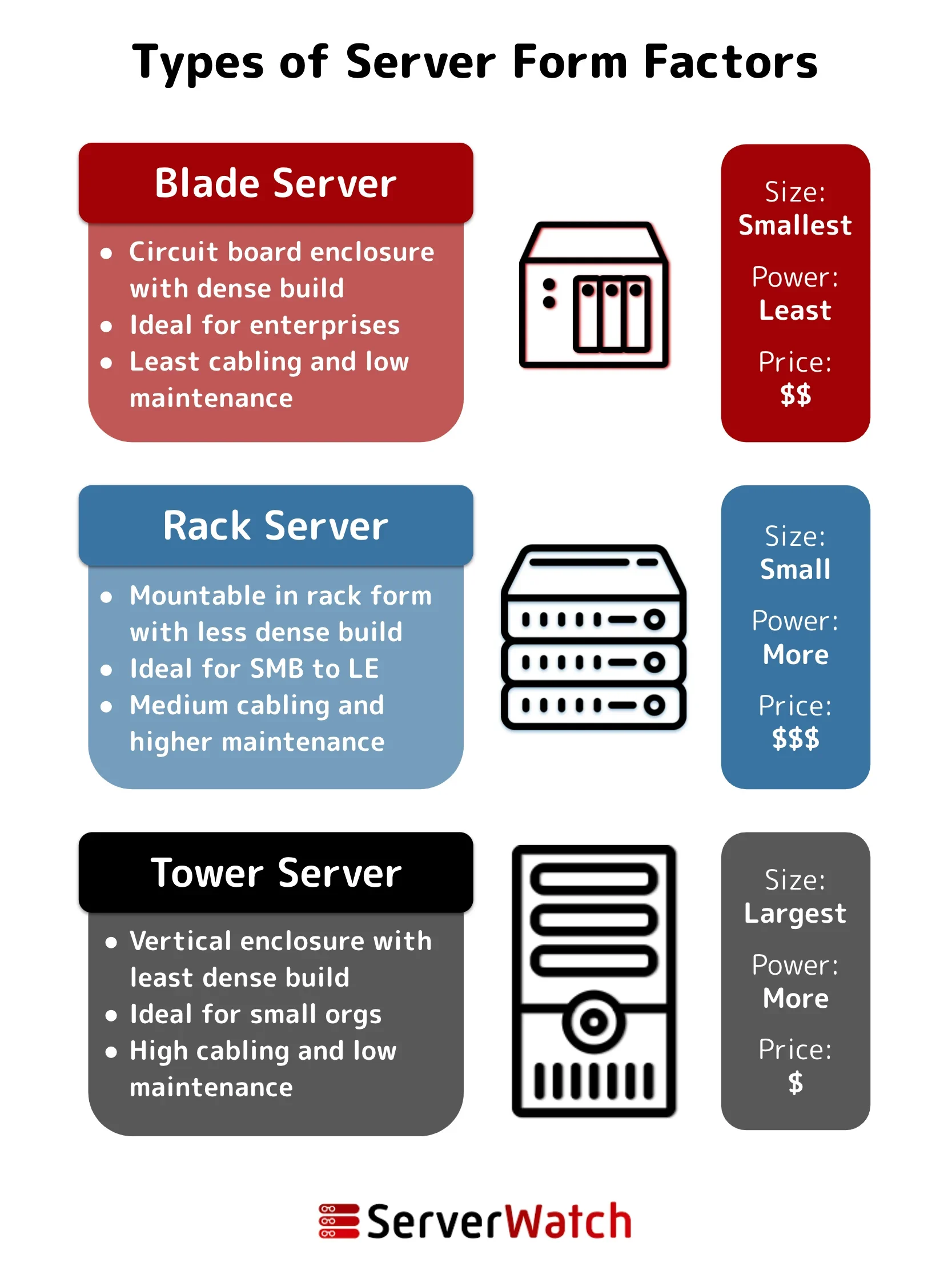
Tower Servers vs. Blade and Rack Servers
The biggest difference between a tower server and its peers is the functionality and purpose for small businesses. Whereas data centers might have a ballroom of servers fitted snugly (by U count) into their slots, a tower server isn’t so different from having another computer in the office. Rack and blade servers have the edge in serving specialized network segments and modern workloads, but not every organization is there yet.
Read more: Blade Servers vs Rack Servers vs Tower Servers.
Top Tower Server Vendors
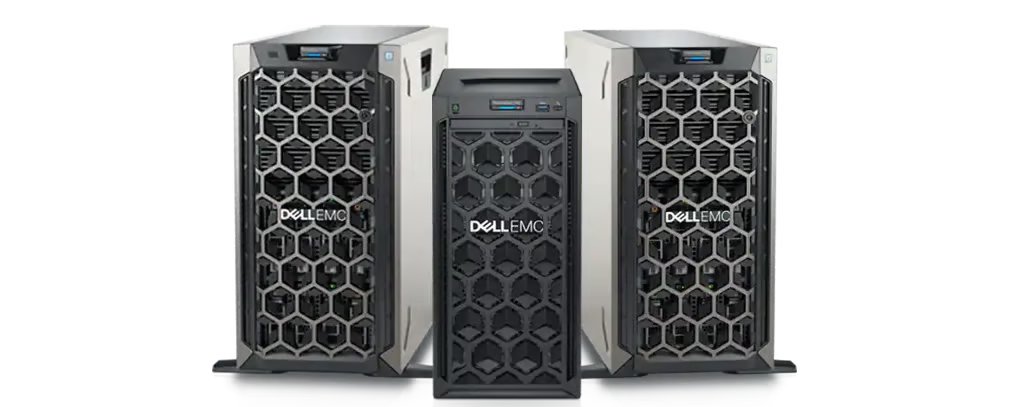
Tower Servers: The Choice for Small Organizations
Data management trends show the far majority of new servers go into metal rack frames, be it a rack server or blade server. Because smaller organizations increasingly choose cloud solutions or outsource their data hosting needs, the tower server isn’t as popular as it once was. Some server manufacturers are designing tower servers capable of later integration within a rack.
That said, the benefits of tower server ownership, like reduced cost and maintenance, component density, and enhanced customization, are still an attractive proposition – especially for organizations without existing server capabilities.