


Installation Continued
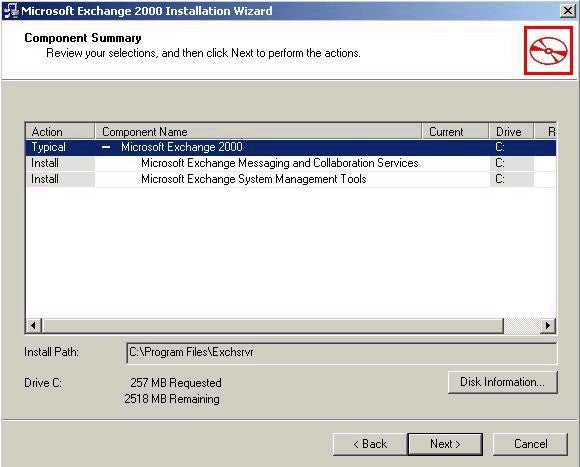
Exchange 2000 requires that the NNTP service of IIS be installed. If you haven’t done so prior to starting the installation of Exchange 2000, you will have to exit the installation, install NNTP, and then restart the installation of Exchange 2000 again. Next up is another license agreement, but unlike the end-user license agreement at the start of the installation program, this license agreement indicates your agreement with the Exchange 2000 licensing terms. Once you have accepted the agreement, and click next, you will see the following component summary screen. Don’t dismiss this screen too quickly! It gives you a chance to verify both the component selections and default installation path that you have selected. Take the time to view this over, and you can rest assured that your first Exchange 2000 server will be installed as you intended it.
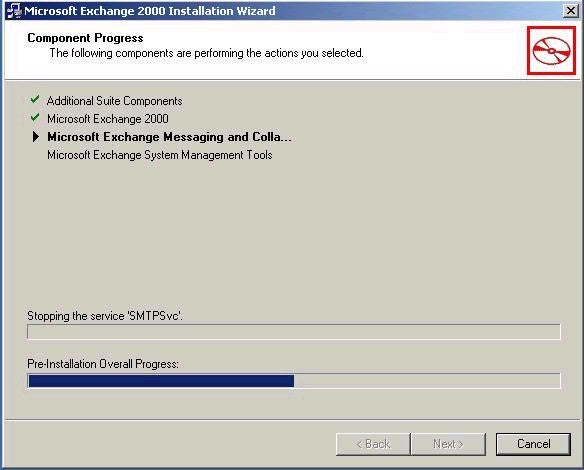
There will be a brief file copy process, and then installation of Exchange 2000 will begin. This screen should look familiar, because it looks alot like the screen we saw while we were running ForestPrep and DomainPrep.
Once the installation has completed, you will be presented with the final screen, showing that installation has completed successfully.
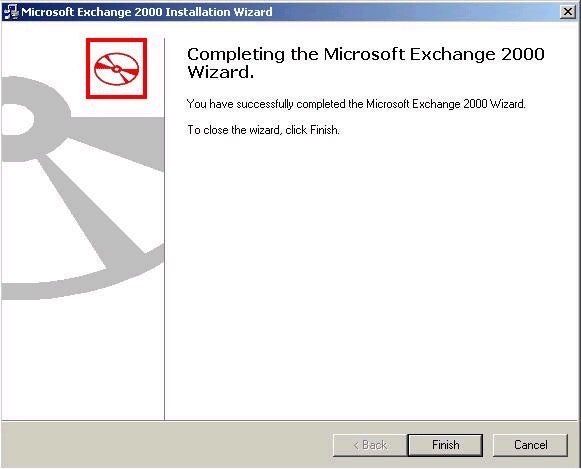
Click finish to close out the installation, and now you are ready to start working with Exchange 2000. As I mentioned at the start of this series, if you take the time to learn about the necessary prerequisites for installing Exchange 2000, you can assure yourself of a smooth and somewhat painless installation. Next week, we will take a look at administering Exchange 2000, including the utilities that we will be using. We will also talk about some of the new features of Exchange 2000, including Administrative Groups, and how to create and manage them. As always, I hope that you find the information in this article to be useful. If you have any questions, just go out to the Exchange forum and post your questions and I will try to answer them as quickly as possible. Until next time, cya!
Michael Bell
www.2000trainers.com